
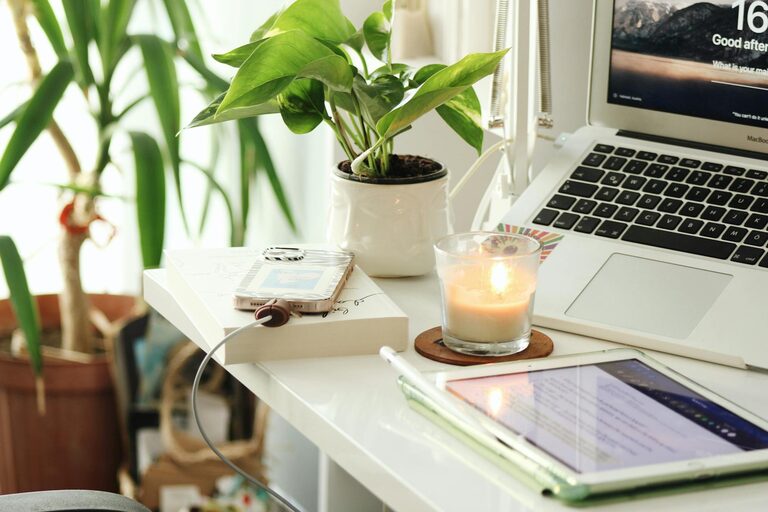
Creating a productive home office environment is essential for anyone working remotely or managing tasks from home. A well-organised and comfortable space can make a significant difference to your efficiency, mood, and overall work satisfaction. Here are some practical tips to help you set up a home office that supports your productivity and well-being.
Choose the Right Location
Find a Quiet Spot
Selecting a space with minimal distractions is key. Avoid high-traffic areas such as the living room or kitchen, where interruptions are frequent. If space allows, choose a separate room or a quiet corner where you can focus.
Consider Natural Light
Natural light can boost your mood and energy. Try to position your desk near a window to benefit from daylight. If natural light is limited, make sure to have adequate artificial lighting that reduces eye strain.
Invest in Comfortable Furniture
Ergonomic Chair
A comfortable, ergonomically designed chair supports your posture and reduces the risk of back pain. Look for adjustable features to customise height and lumbar support.
Appropriate Desk
Choose a desk with enough surface area for your computer, documents and any other essentials. Standing desks or adjustable desks are worth considering if you want to change positions during the day.
Keep Your Workspace Organised
Declutter Regularly
A tidy desk helps keep your mind clear. Remove items that aren’t necessary for your daily tasks. Use organisers, trays, or drawers to keep things in order.
Use Storage Solutions
Shelves, filing cabinets and storage boxes keep paperwork and supplies organised and out of sight. Label storage items to quickly find what you need.
Minimise Distractions
Manage Noise
If noise is an issue, use noise-cancelling headphones or play calming background music. White noise machines can also help mask disruptive sounds.
Set Boundaries
Communicate your working hours to family or housemates to minimise interruptions. Use signs or signals, such as a closed door or a visible working timer, to indicate when you shouldn’t be disturbed.
Optimise Your Technology Setup
Reliable Internet
A strong internet connection reduces frustration and downtime. If possible, use a wired connection or improve Wi-Fi with a better router.
Quality Equipment
Invest in good-quality hardware like a fast computer, an external monitor, keyboard and mouse to make work smoother. Don’t forget essential accessories such as a webcam and microphone if you need to attend video calls.
Personalise Your Space
Add Plants or Artwork
Incorporating plants can improve air quality and create a calming atmosphere. Artwork or photos add a personal touch that inspires and motivates.
Choose Soothing Colours
Soft, neutral colours are less distracting and promote concentration. Consider the colour scheme carefully to create a balanced environment.
Manage Your Time Effectively
Create a Routine
Set regular working hours and include breaks to avoid burnout. Start your day with a list of priorities and tackle the most important tasks first.
Use Task Management Tools
Apps or planners help keep track of deadlines and progress. Managing tasks visually can make your work feel more organised and achievable.
Incorporate Healthy Habits
Take Breaks
Step away from your desk regularly to stretch and refresh your mind. Short breaks improve focus and reduce physical strain.
Stay Hydrated and Nourished
Keep water nearby and eat balanced meals. Proper nutrition supports energy and cognitive function throughout the day.
—
By thoughtfully designing your home office with these tips in mind, you can create a space that not only supports your productivity but also enhances your comfort and well-being. The key is to tailor the environment to your needs, maintaining a balance between work efficiency and a pleasant atmosphere. Happy organising!